
Shop Ledger Support

How can we help?

Find setup instructions, account and security guidance, bookkeeping answers and common troubleshooting steps. If the answer is not here, contact Shop Ledger Support.
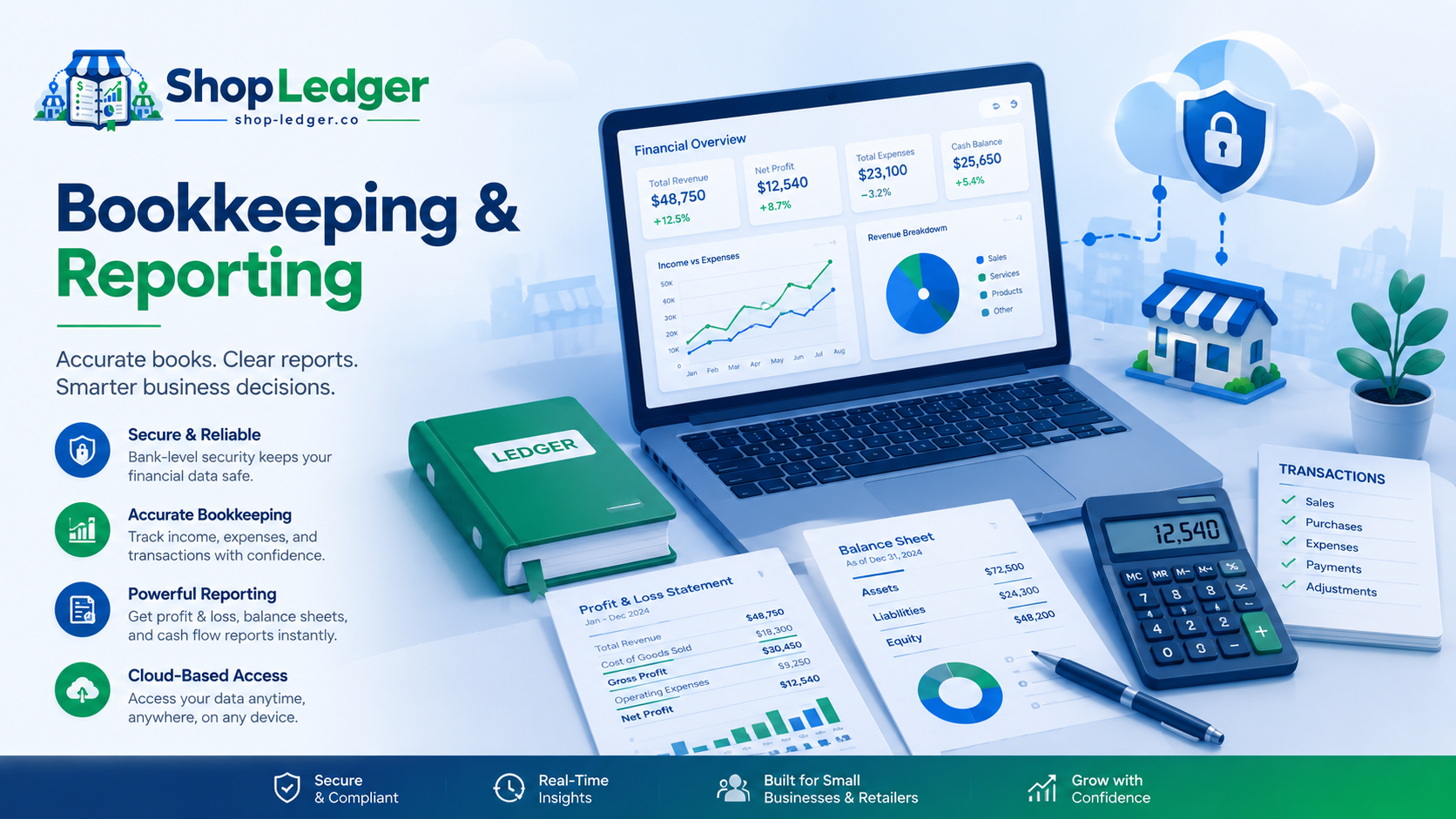
Shop Ledger bookkeeping and reporting support
Setup guide

Getting started with Shop Ledger

Use these steps to get a business account ready for normal bookkeeping work.

1

Create the Owner account

Start from the secure application registration page and create the business Owner account.

2

Set up two-factor authentication

Complete authenticator enrollment and securely save the recovery codes shown during setup.

3

Add business locations

Create the locations used by the business so bookkeeping and user permissions can be organized correctly.

4

Add Managers and Staff

Create user accounts, choose the appropriate role and assign only the locations each person should access.

5

Record your first transaction

Add an income or expense entry with the correct date, location, category, payment method and reference information.

6

Review reports

Use the reporting area to review authorized business activity and bookkeeping summaries.

7

Review Audit History

Owners can use Audit History to review traceable ledger and security-administration activity.

8

Export when required

Use the authorized export tools when business data needs to move into supported accounting or reporting workflows.

Account & security

Protect access to your bookkeeping records.

Shop Ledger uses password authentication, mandatory authenticator-based two-factor verification, recovery codes, role restrictions and session-security controls.
Shop Ledger Support will never ask you to send:
  • Your password.
  • Your authenticator QR code or manual setup secret.
  • A current authenticator code.
  • Your recovery codes.
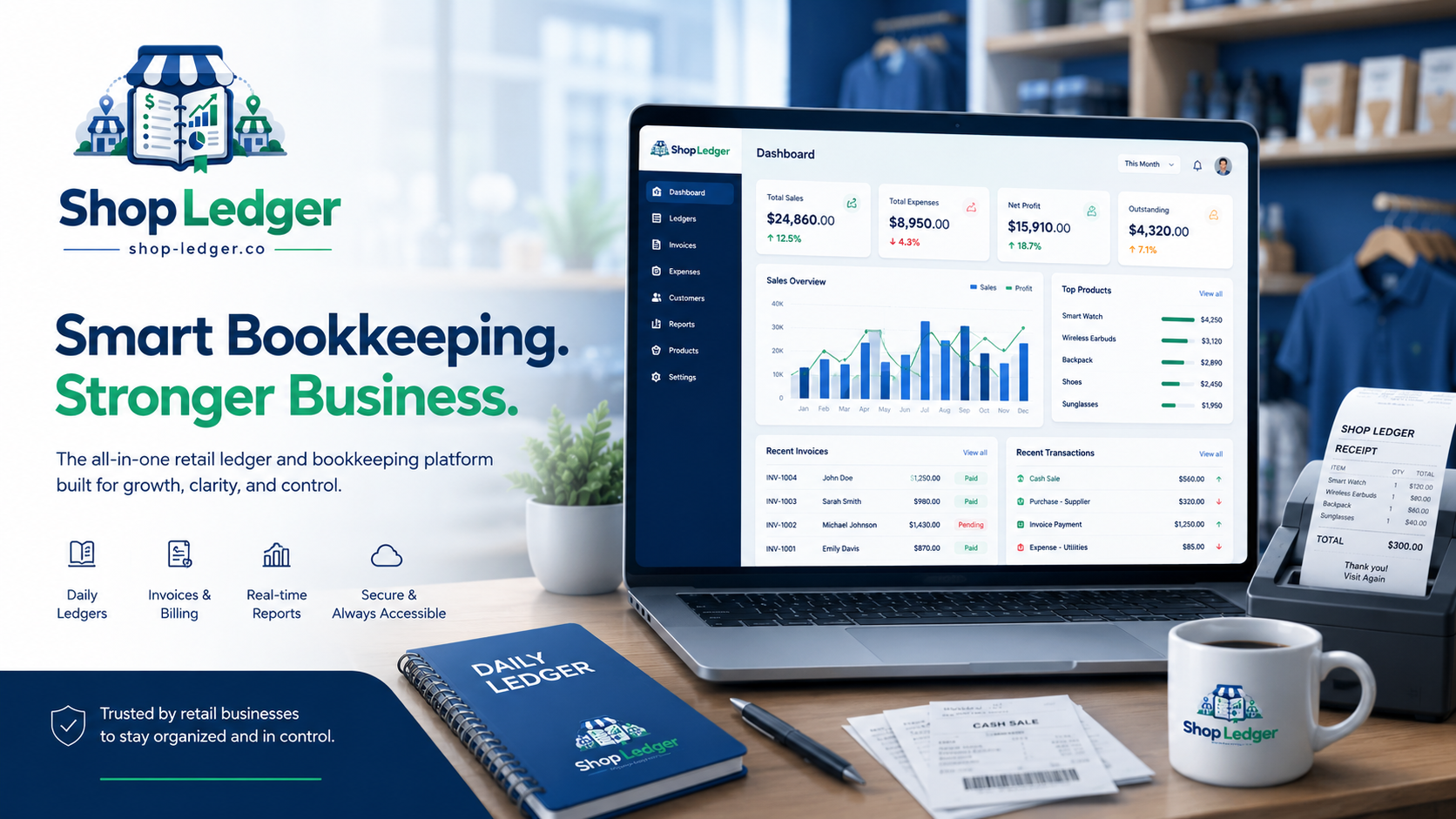
Shop Ledger secure bookkeeping dashboard
Locations & users

Give each person only the access they need.

O

Owner

Business administration, user management, broader reporting and security-sensitive account controls.

M

Manager

Operational access within the business locations and permissions assigned to the Manager.

S

Staff

Focused bookkeeping access within the locations and actions the business has assigned to that Staff user.

Bookkeeping & reports

Common questions and answers

Use the search box above to filter these FAQs.

Why does Shop Ledger require two-factor authentication?
Two-factor authentication adds a second verification step after the password and helps protect bookkeeping accounts if a password is exposed. Complete authenticator enrollment when prompted and keep your recovery codes in a secure location.
What should I do if I lose access to my authenticator?
Use an unused recovery code if one is available. If you cannot recover access, contact Shop Ledger Support for the appropriate account-recovery process. Never email your authenticator secret, QR code, current codes or recovery codes.
How do I add a Manager or Staff user?
An authorized Owner can create users from the application’s user-management area, select the appropriate role and assign the business locations the user is permitted to access.
Why can a user not see a business location?
Location access is permission based. Confirm that the user is active and that the required location has been assigned to the account. If access was recently changed, the user may need to sign in again.
How do I record income or an expense?
Open the Ledger area, choose the transaction type, then enter the date, location, category, amount and supporting reference information required by your business workflow. Review the entry before saving.
Can transactions be edited or voided?
Permitted users can edit or void qualifying entries according to their role. Voiding is used instead of silently erasing transaction history, helping retain a traceable bookkeeping record.
Where do I find reports?
Open the Reports area in the secure application. The reports available to you depend on your role, assigned locations and the business data within your authorized scope.
What export formats does Shop Ledger support?
Authorized export workflows include Excel and supported accounting-oriented formats such as QuickBooks, Xero, Sage Intacct preparation and Microsoft Access-oriented packages. Always review exported data before importing it into another accounting system.
What is Audit History?
Audit History helps authorized Owners review traceable ledger changes and important security-administration events, including who performed the action and when it occurred.
How do I change my password?
Use the password-change option in your authenticated account. For security, changing sensitive credentials may end the current session and require a fresh sign-in.
Can Shop Ledger manage more than one location?
Yes. Shop Ledger is designed to organize bookkeeping across multiple business locations while allowing access to be restricted according to each user’s role and assigned locations.
Are advertising trackers placed inside my bookkeeping account?
The public marketing website and the authenticated bookkeeping application are separate. Advertising configuration belongs on the public marketing side and is not intended to be placed on protected bookkeeping pages.
Still need help?

Connect with Shop Ledger Support

If the setup guide or FAQs do not resolve the issue, contact our support team.

Email Support

Use email for product questions, onboarding, billing, account administration and non-urgent technical issues.

support@shop-ledger.co

Phone Support

Need to speak with support? Request a phone call and include a short description of the issue. A direct click-to-call number will appear here once the support line is configured.

Request phone support

Secure Application

Already have an account? Use the secure sign-in page to continue normal bookkeeping work.

Sign in to Shop Ledger